How do I sync order updates from Shopify to Connex?
Here is the scenario:
- The customer orders a medium t-shirt.
- The customer calls and said he made a mistake. He wanted a large t-shirt.
- An admin changes the product from medium to large.
There are two ways to handle this workflow:
Cancel the order and start another one
In Shopify, cancel the order. Start a brand new one. Connex will not sync the original order, since it is marked as cancelled. If you want to sync sales prior to shipment, this is the best way.
Wait for fulfilled status
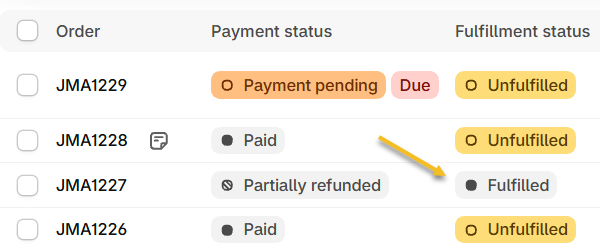
Connex can see the updates and Connex can update sales, but we do not add or remove products on orders. Before syncing the order to QuickBooks, we recommend waiting for the order to reach fulfilled status:
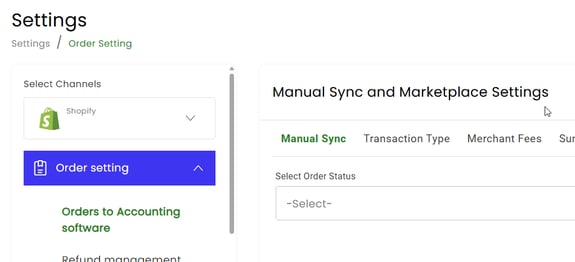
- Login to Connex.
- Go to settings.
- Click order setting.
- Under manual sync, enter fulfilled:
- In Shopify, change the fulfillment status to fulfilled: