
Your company is changing accounting systems. In this example, you move from QuickBooks Enterprise to QuickBooks Online.
- Login to Connex.
- On the top menu, click settings.
- Click the disconnect button:
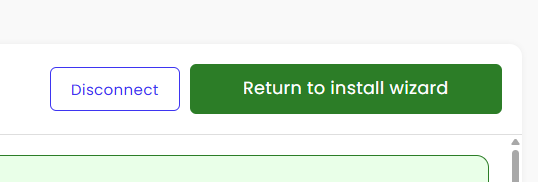
- Click return to install wizard.
- You will see tabs with accounting systems. Choose QuickBooks Online.
- Click the button to pair QuickBooks Online.
- Click next and complete the install wizard.