
Inventory checks
Order Manager will check the products list stock quantity field. If the field is blank or zero, then you cannot split sales orders.
Backorders
On the Order Manager dashboard, there is a section called split orders. These are orders that are waiting for the other have to get fulfilled.
Creating purchase orders
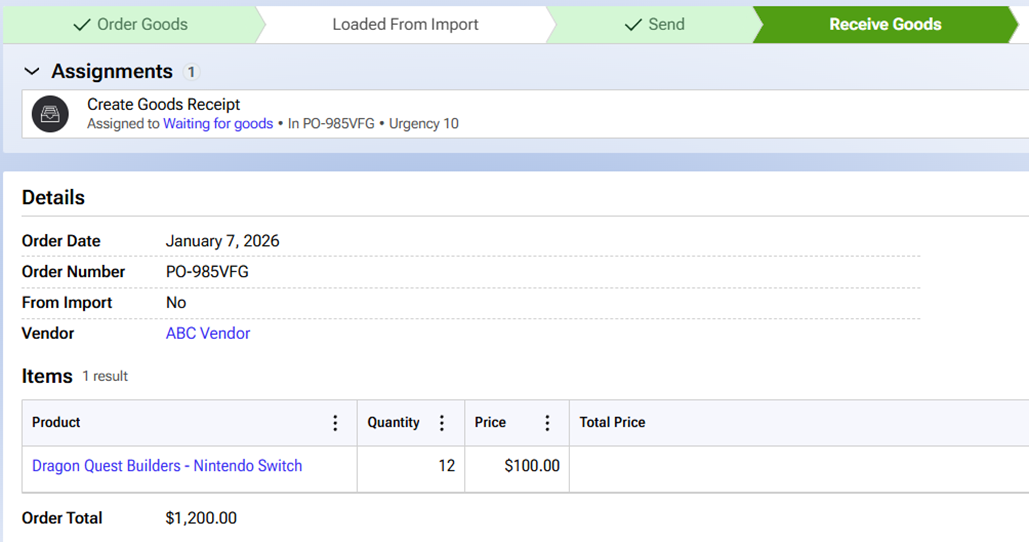
Order Manager allows users to create purchase orders and goods receipts. You can see where purchase orders exist in the workflow. The first step is to select a sales order to make a purchase order. This step is optional, but recommended.
Here is an example purchase order:
Goods receipts
In Order Manager, click the goods receipt session on the dashboard. Select a vendor and open purchase orders:
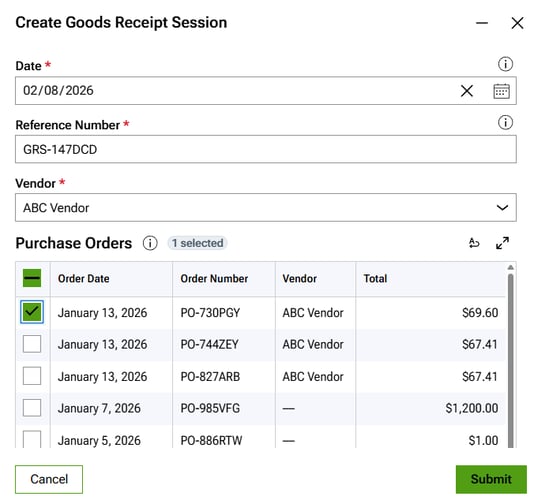
Once you select POs for the goods receipt, click submit:
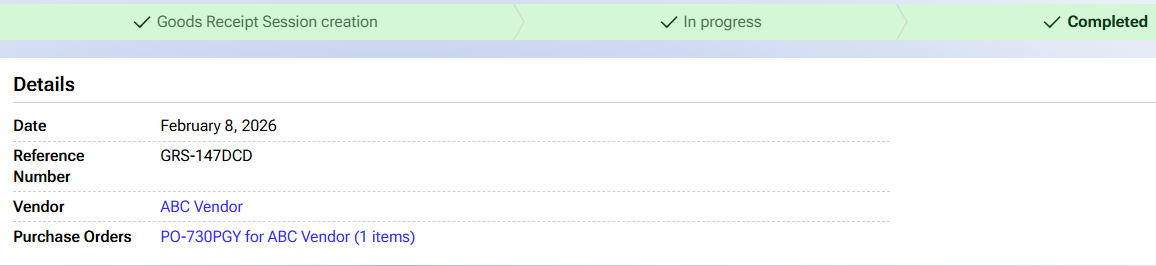
Linking procurement to sales
When Order Manager processes split orders, Order Manager will check the product stock quantity field. When you create a goods receipt, the stock quantity increases.