
Orders vs Sales
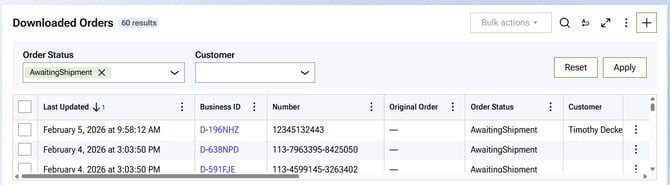
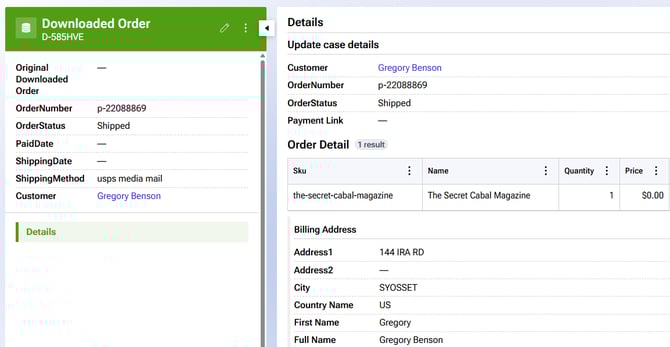
Order manager will download sales from your channels and display them on the dashboard:
Order statuses
Orders can be open or shipped.
Inventory validation
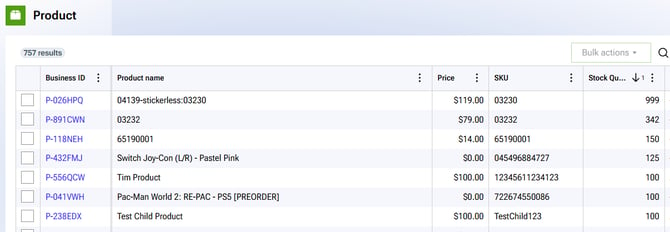
Connex will download stock updates from your accounting system. Before you can split or merge a sale, there must be sufficient stock.
Split vs merged orders
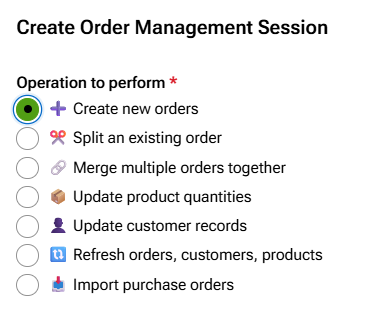
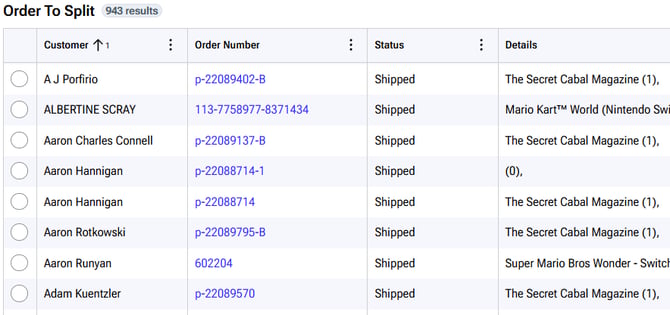
You can select a list of downloaded orders to split or merge:
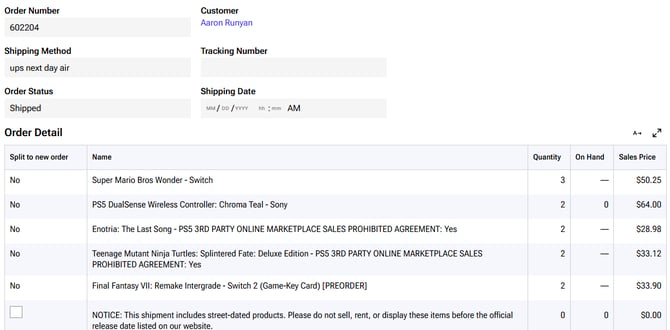
Here is an order to split. Notice the word no. This means there is insufficient stock:
Here is a list of orders:
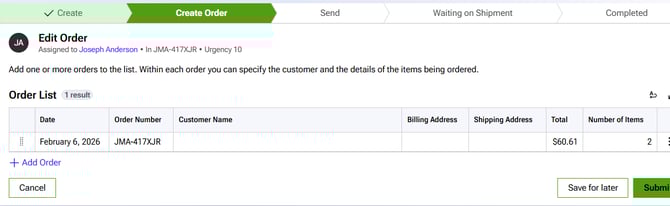
Here is a merged order:
Procurement lifecycle
Users can create purchase orders and goods receipts:
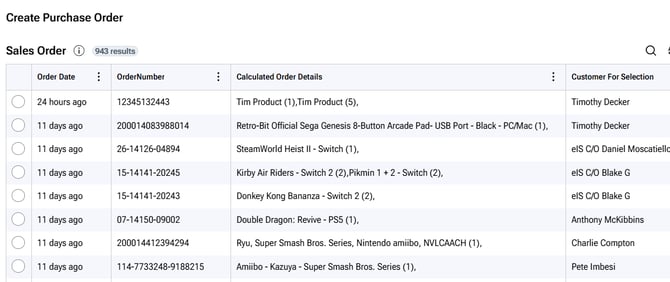
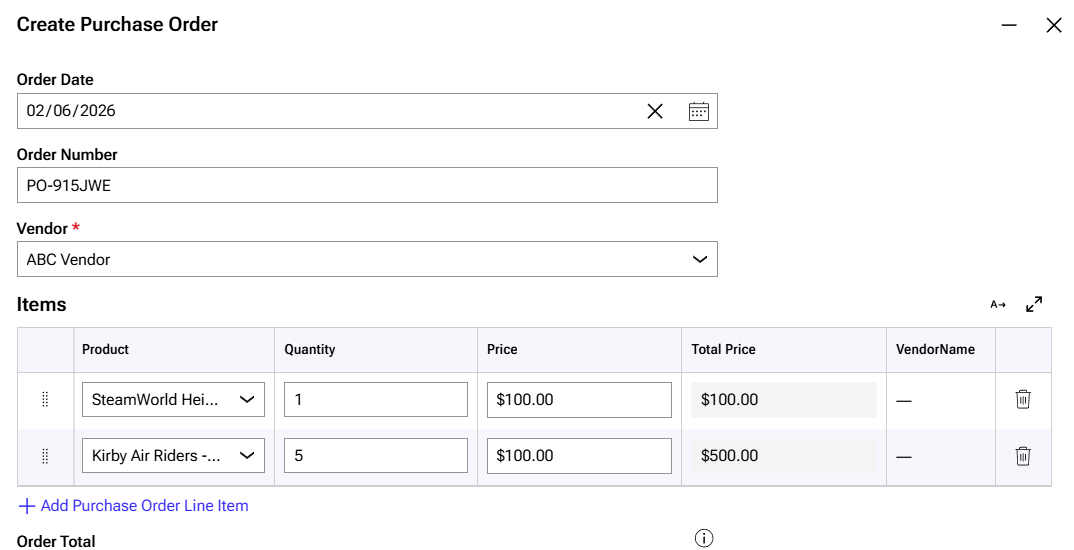
Here is a purchase order:
Accounting sync behavior
Connex will sync purchase orders with your accounting system, if necessary. Connex will download your product updates from your accounting system.