
Splitting orders
To split an order, follow these steps:
- In order manager, click order management session.
- Choose split order.
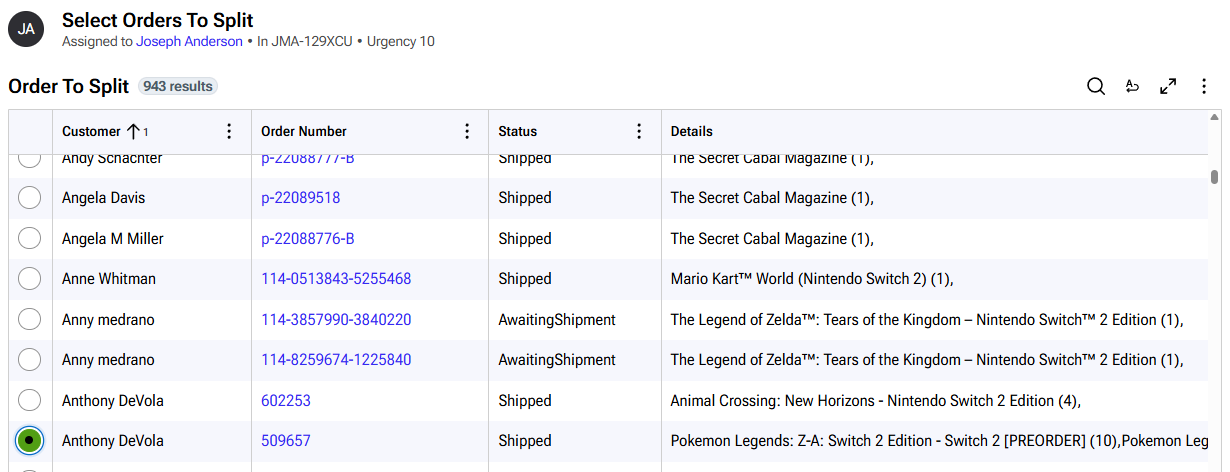
- Choose an order with multiple items to split:
- Order Manager will show you a list of items where sufficient stock exists:
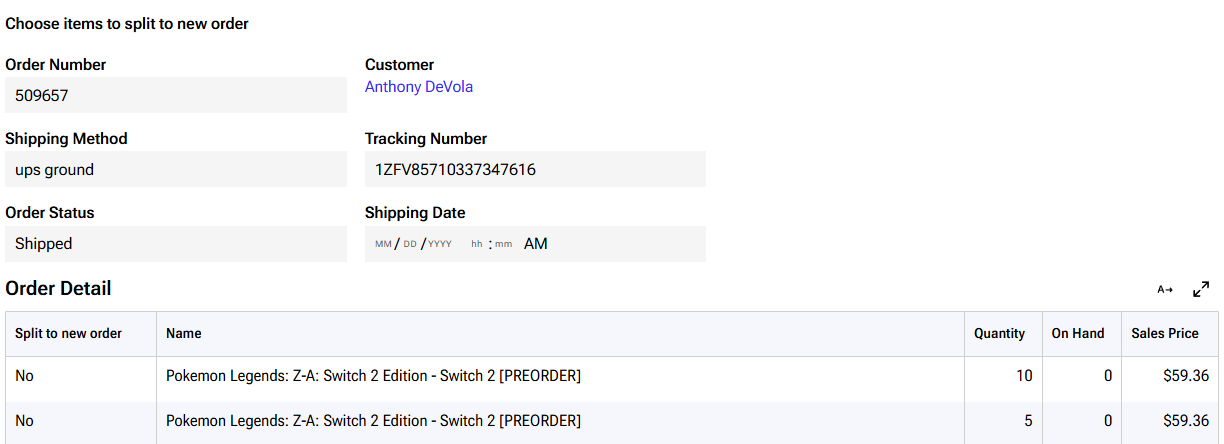
- Once you split, click submit. You will be asked to send the order to ShipStation.
Merging orders
Merging follows the same steps as split orders. You will select merge orders on the order management session. You can select a list of orders to merge.
Releasing orders to fulfillment
Once orders are split or merged, you can send them to ShipStation. On the top menu, you can see the workflow:
