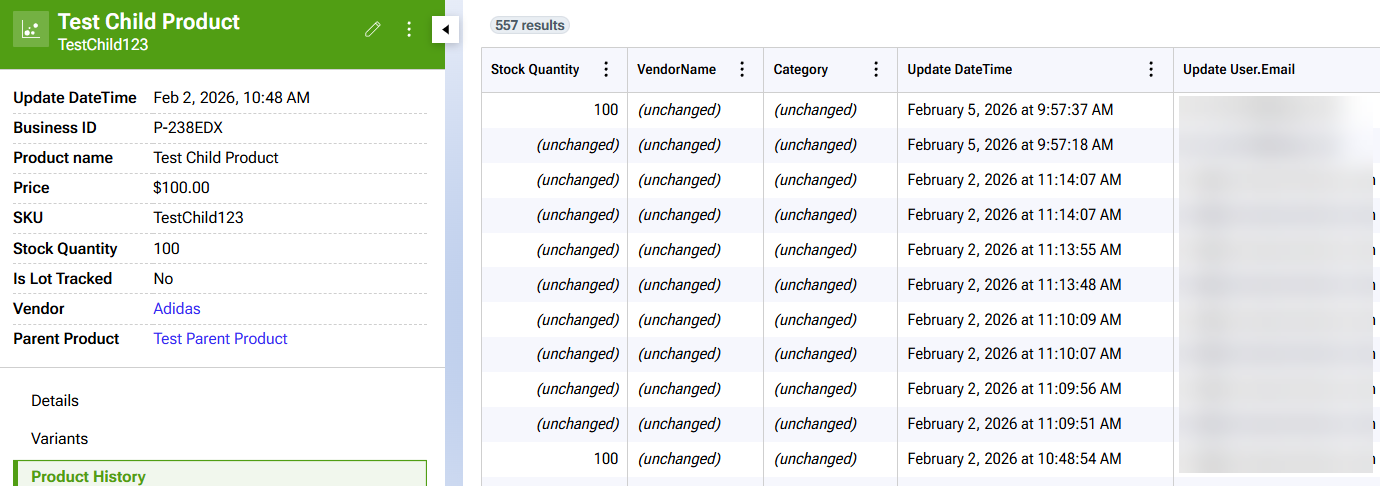
Order management button
You can choose to create new orders, split an existing download order, merge multiple orders, or update order manager from outside systems:
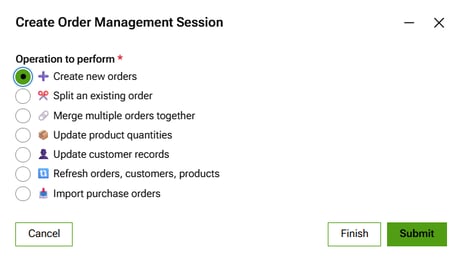
AI agent
You can ask the AI agent questions about your orders, like how many shipped orders do I have? For a future release, the AI agent can perform tasks for you like fulfill all orders where products are in stock:
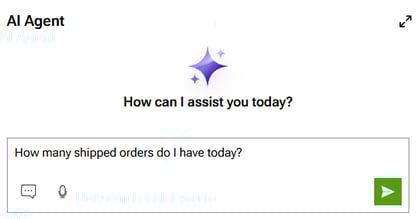
Dashboard
You can view a list of your downloaded orders, customers and products:
Editing Orders
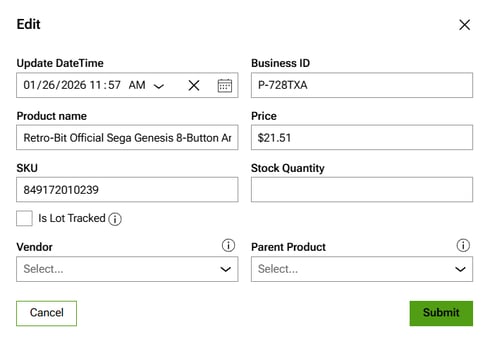
You can click business ID to edit a customer, product or order:
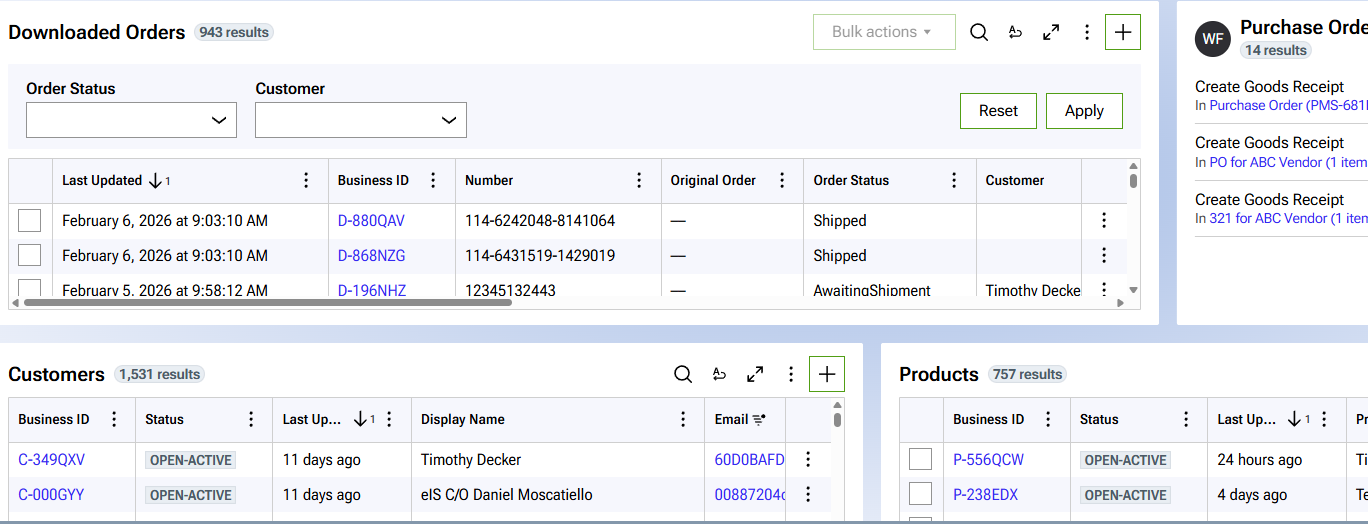
Audit Trail
Each customer, order and product has an audit trail. In this example, you can see what users changed the stock quantity of a product: