![Connex_Logo_HelpCenter_100h.png]](https://help.connexecommerce.com/hs-fs/hubfs/Connex_Logo_HelpCenter_100h.png?height=50&name=Connex_Logo_HelpCenter_100h.png)
How do I change plan levels?
If you need more selling channels, you must upgrade to gold or platinum. Here are the steps:
- Login to Connex.
- Click your name on the top right > my profile.
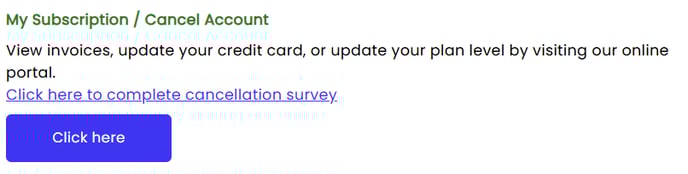
- Click the update subscription button:
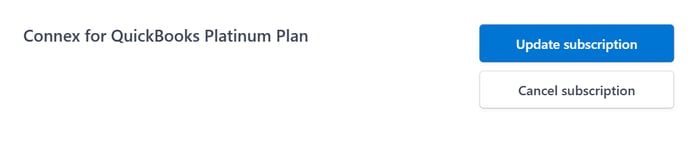
- You are redirected to Stripe. Next to the plan, click update subscription:
- Choose either the annual or monthly plan that you need.
How do I add more selling channels past platinum?
Here are the steps:
- Login to Connex.
- Click your name on the top right > my profile.
- Click the add selling channels button.
- Enter how many channels you need.