![Connex_Logo_HelpCenter_100h.png]](https://help.connexecommerce.com/hs-fs/hubfs/Connex_Logo_HelpCenter_100h.png?height=50&name=Connex_Logo_HelpCenter_100h.png)
There are some errors that are only accessible if we see your web connector's local log. To send us the log, follow these steps:
- Open your web connector
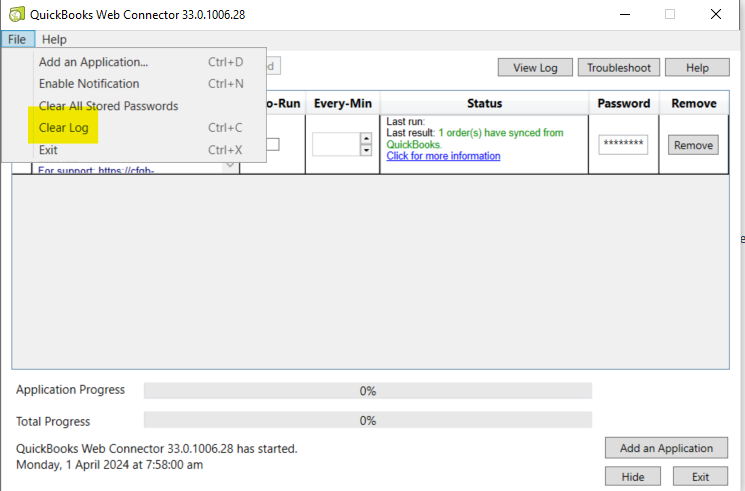
- Click file and clear log
- Run the sync and the web connector again to reproduce the error.
- Click view log:
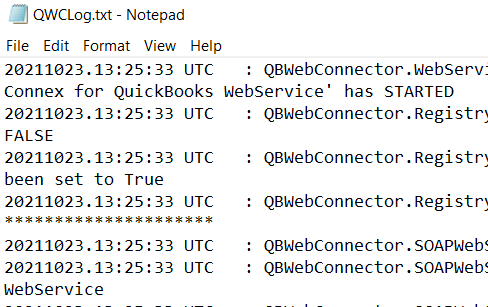
- On notepad, click file > save as and save it to the desktop. The file should look something like this:
- Respond to your support ticket with the log.