![Connex_Logo_HelpCenter_100h.png]](https://help.connexecommerce.com/hs-fs/hubfs/Connex_Logo_HelpCenter_100h.png?height=50&name=Connex_Logo_HelpCenter_100h.png)
In this example, we will show you how to import a spreadsheet of customers, products and terms. This guide assumes that you use QuickBooks Enterprise.
How do I import customers from QuickBooks Enterprise?
Here are the steps:
- Go to customers > customer center.
- Click excel on the top menu and export.
- Log into Connex.
- On the left, click customers.
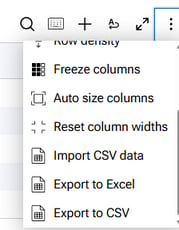
- Click the three dots and click import CSV data:
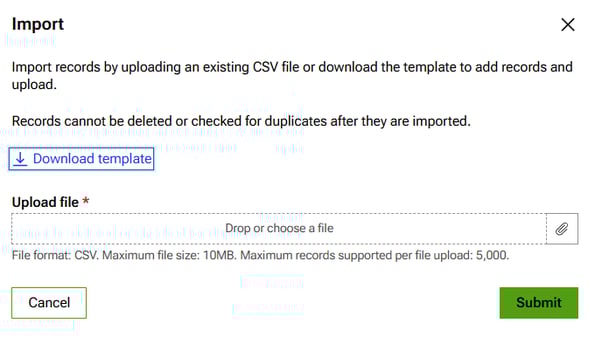
- Download the sample spreadsheet. Map QuickBooks customer name to the display name field. Phone to phone and email to email. To import addresses, contact us.
How do I import products from QuickBooks Enterprise?
Here are the steps:
- Go to list > item list.
- On the bottom menu, click excel and click export all items.
- Click excel on the top menu and export.
- Log into Connex.
- On the left, click customers.
- Click the three dots and click import CSV data:
- Download the sample spreadsheet. Map QuickBooks item name / number to the name and SKU fields. Map description to description. Map sales price to price.
How do I import terms?
Terms
There is only one field to import called name.
- Log into Connex.
- On the left, click terms.
- Click the three dots and click import CSV data:
- You will receive a sample spreadsheet. Complete it and upload the sheet: