![Connex_Logo_HelpCenter_100h.png]](https://help.connexecommerce.com/hs-fs/hubfs/Connex_Logo_HelpCenter_100h.png?height=50&name=Connex_Logo_HelpCenter_100h.png)
Adding Income Accounts
If you are adding shipping as a line item, here are the steps:
- In QuickBooks, click the gear box and click products and services.
- Search for your shipping item. It could say USPS, FedEx, UPS or shipping:
- Double click the item.
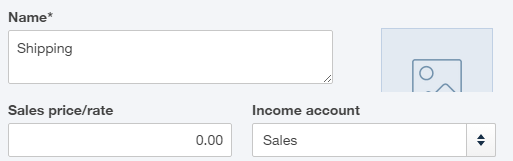
- Ensure that the income account has a value:
If you are adding shipping to the QuickBooks Online shipping field, follow these steps:
- In QuickBooks, click the gear box and click account and company settings.
- Click the advanced tab.
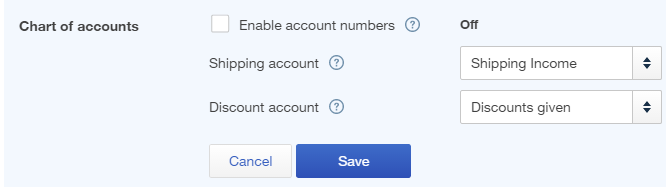
- Under chart of accounts, ensure that the shipping and discounts box have a value: