![Connex_Logo_HelpCenter_100h.png]](https://help.connexecommerce.com/hs-fs/hubfs/Connex_Logo_HelpCenter_100h.png?height=50&name=Connex_Logo_HelpCenter_100h.png)
Description
You selected a template that no longer exists in QuickBooks or the template that you use is incompatible with the types of orders you sync.
Cause
Each QuickBooks order has a template. You can hide fields or change labels. Here are two templates:
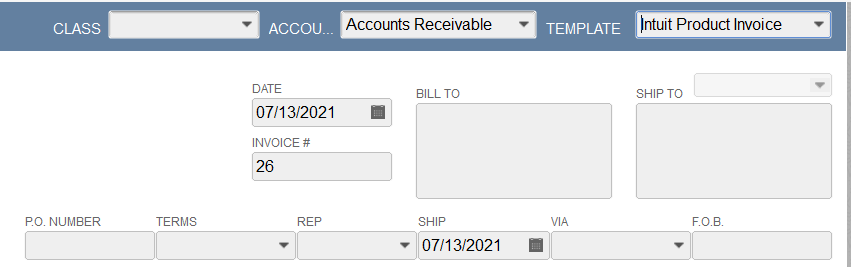
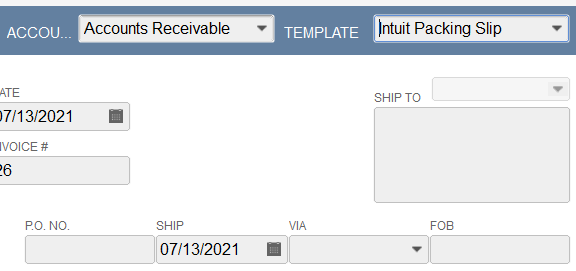
The template that you choose is incompatible with the order. For example, you cannot use a sales receipt template on an invoice.
Solution
Change the template:
- Login to Connex.
- Click the Settings button of the Selling Channel that you want to update.

- Then click the Advanced tab on the left-hand side.
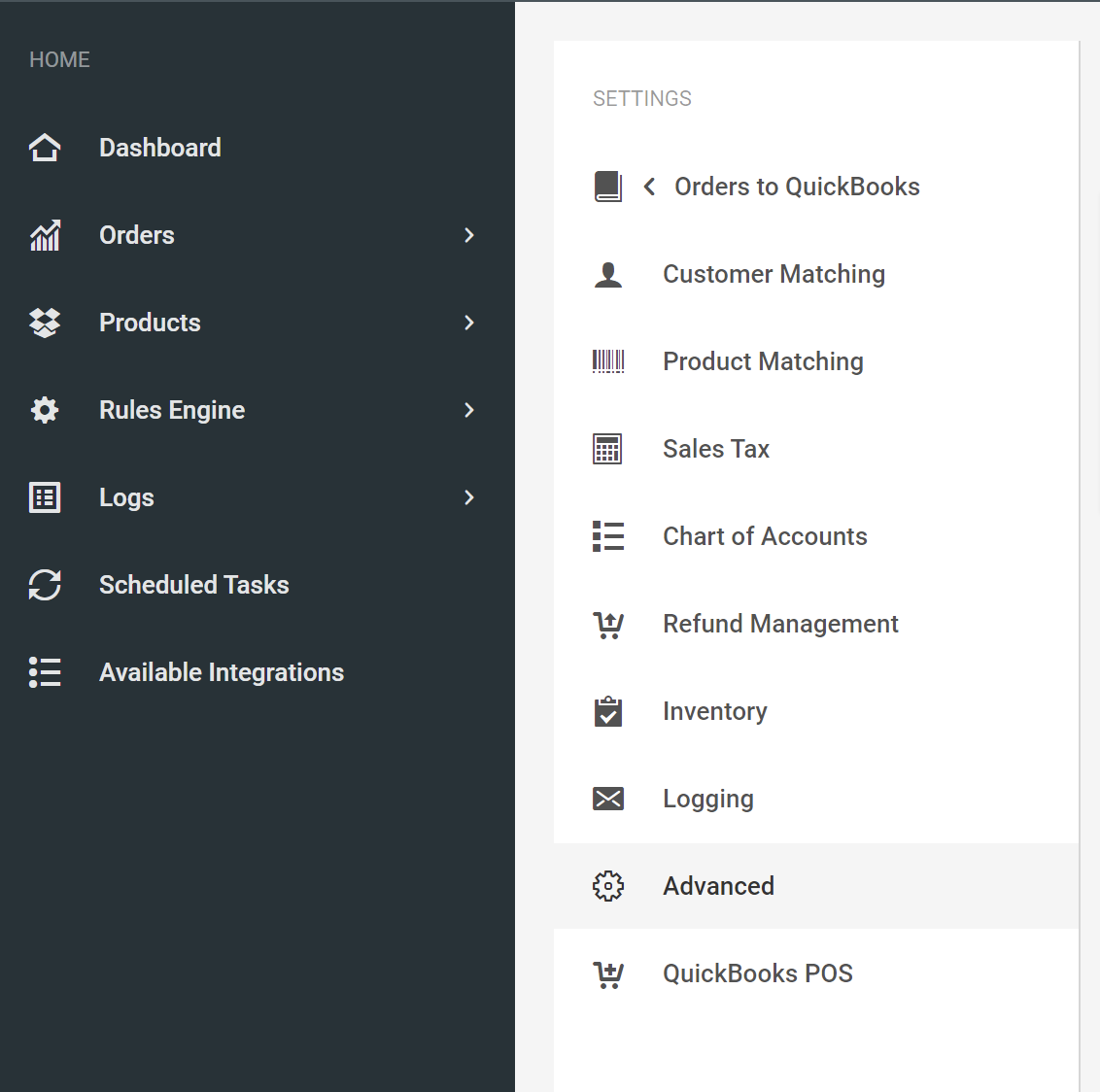
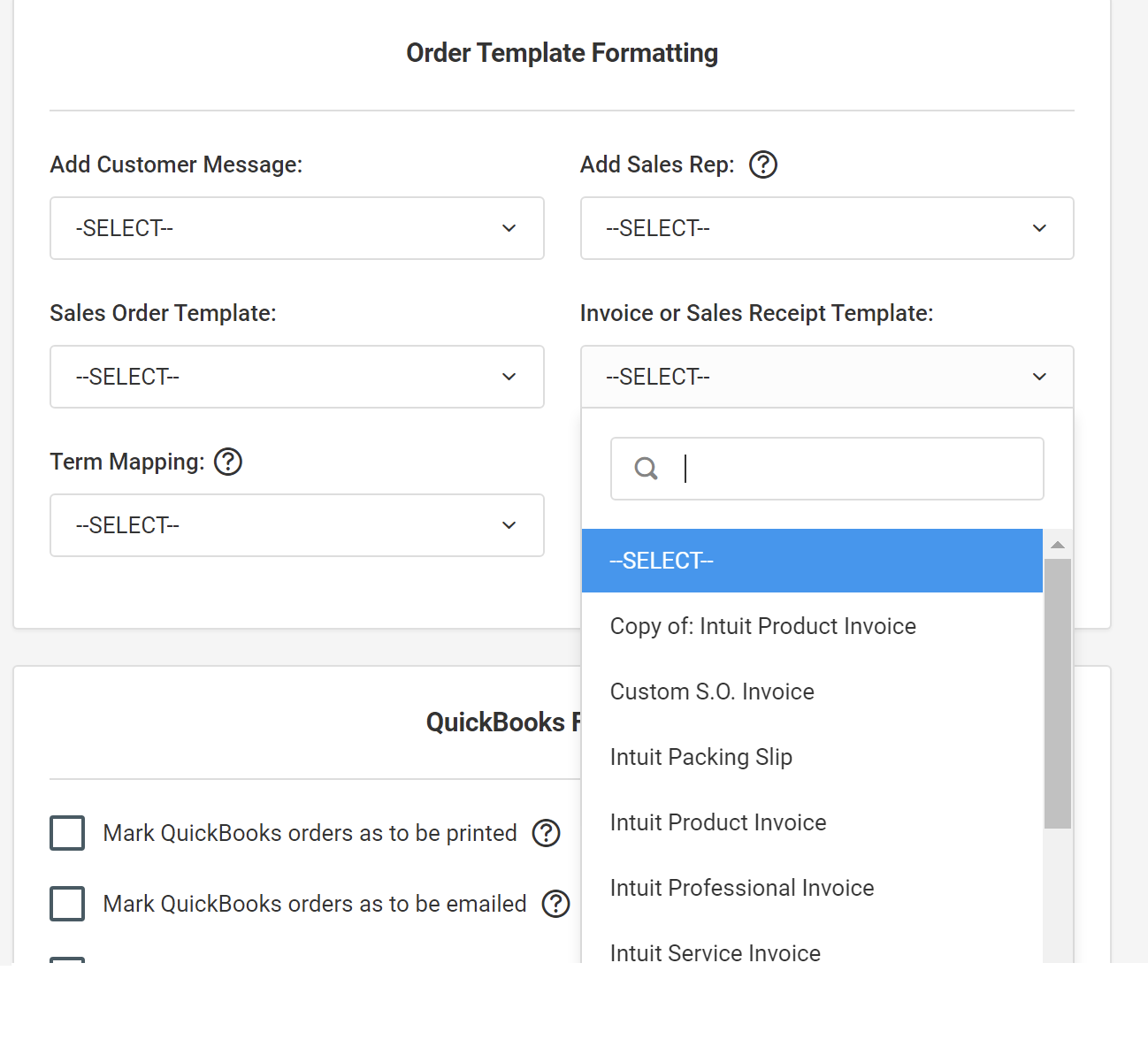
- Under the Order Template Formatting section, choose a different template.