![Connex_Logo_HelpCenter_100h.png]](https://help.connexecommerce.com/hs-fs/hubfs/Connex_Logo_HelpCenter_100h.png?height=50&name=Connex_Logo_HelpCenter_100h.png)
Problem
You are trying to sync inventory or orders from QuickBooks. You have a large number of stock changes or sales to sync from QuickBooks. You receive this error in your Connex log:
You currently have more than 5000 orders or inventory items queued. Please run the web connector several times. Connex will stop queueing inventory items or orders, until the queue reaches less than 5000 orders or items.
Solution(s)
If sync orders, disable database sync
Log into Connex. Click manage. Expand orders > sync orders to QuickBooks > advanced > database. Uncheck the field.
Run web connector
When you have more than 80 updates, our software stores the updates in our database. Our tool pulls them out 800 at a time. Log into Connex. Click manage. Expand pending inventory. If there are 5,000 items in the queue, running your web connector hourly for five hours would clear it.
Clear the queue
Log into Connex. Click manage. Expand pending inventory. Click delete.
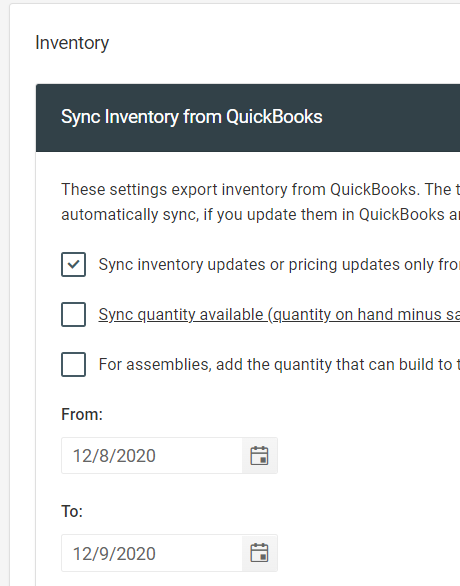
Try short date ranges